


Crusader Kings III Content Creator Pack: West Slavic Attire (PC) - Steam Key - GLOBAL
Region Compatibility
Region
Global
Platform
Steam
Check description for activation guide
$7.69
Delivery by email
24/7 Support
About Crusader Kings III Content Creator Pack: West Slavic Attire (PC) - Steam Key - GLOBAL
Crusader Kings III Content Creator Pack: West Slavic Attire (PC) - Steam Key - GLOBAL
Description:
The Crusader Kings III Content Creator Pack: West Slavic Attire offers a cosmetic expansion for characters within the game. This pack introduces new clothing and accessories for male and female characters, designed to reflect the historical aesthetics of West Slavic cultures during the Middle Ages. The attire is integrated into the game's character appearance system, allowing players to customize their rulers, courtiers, and other characters with these culturally specific options.
Key Features:
- New Character Cosmetics: Adds a variety of clothing items for both male and female characters.
- Historical Aesthetic: Designs are inspired by West Slavic historical attire from the medieval period.
- Cultural Immersion: Provides additional options for players seeking to enhance the cultural representation of their West Slavic characters.
- In-Game Integration: The new attire options are accessible through the standard character customization interfaces within Crusader Kings III.
Platform and Availability:
- Platform: PC
- Activation: Steam Key
- Region: GLOBAL (Can be activated worldwide)
- Requirement: Requires the base game Crusader Kings III to play.
This content requires the base game Crusader Kings III on Steam in order to play.
Release date: 27.11.2024
1Open your delivery email and copy the key.
2Launch Steam and sign in, then open the Games menu.
3Choose Activate a Product on Steam and paste your key.
4Download and play. Key not working? Contact us within 7 days — we replace it free, or refund you.
🎮 More Games

Dead by Daylight (PC) - Steam Key - UNITED S...
S UNITED STATES
$14.89
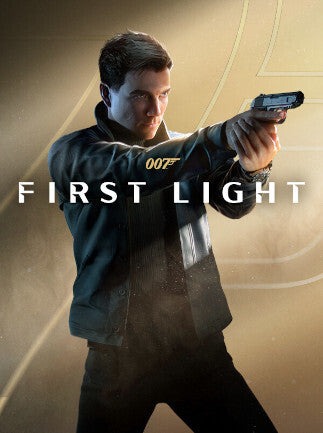
007: First Light Deluxe Edition (PC) - Steam ...
SGLOBAL
$77.79

Control: Resonant (PC) - Steam Key - GLOBAL
SGLOBAL
$48.79

ARC Raiders | Deluxe Edition (PC) - Steam Key...
SGLOBAL
$61.29

Project Zomboid Steam Key GLOBAL
SGLOBAL
$30.19

Escape From Tarkov (PC) - Steam Key - GLOBAL
SGLOBAL
$51.19
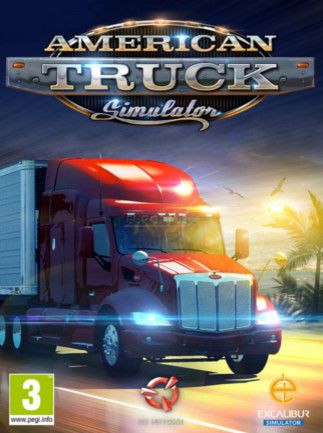
American Truck Simulator Gold Edition Steam K...
SGLOBAL
$114.79
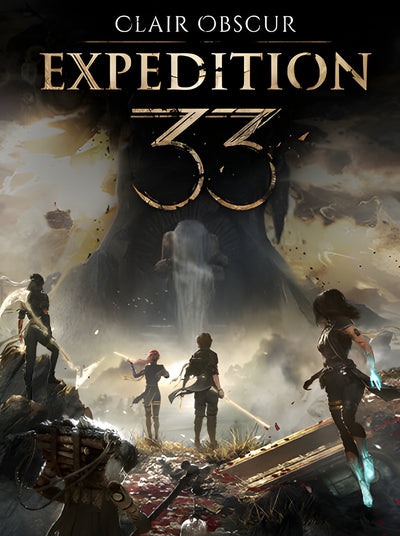
Clair Obscur: Expedition 33 (PC) - Steam Key ...
SGLOBAL
$30.59

Microsoft Flight Simulator 2024 (PC) - Steam ...
SGLOBAL
$77.59

Red Dead Redemption 2 (PC) - Rockstar Key - G...
RGLOBAL
$17.29